Particle Cursor Trail Effect
Custom cursor with trailing particle effects that follow mouse movement. Particles fade out and shrink over time, with multiple shapes (circles, stars, sparkles) and color variations. Canvas-based, no dependencies.
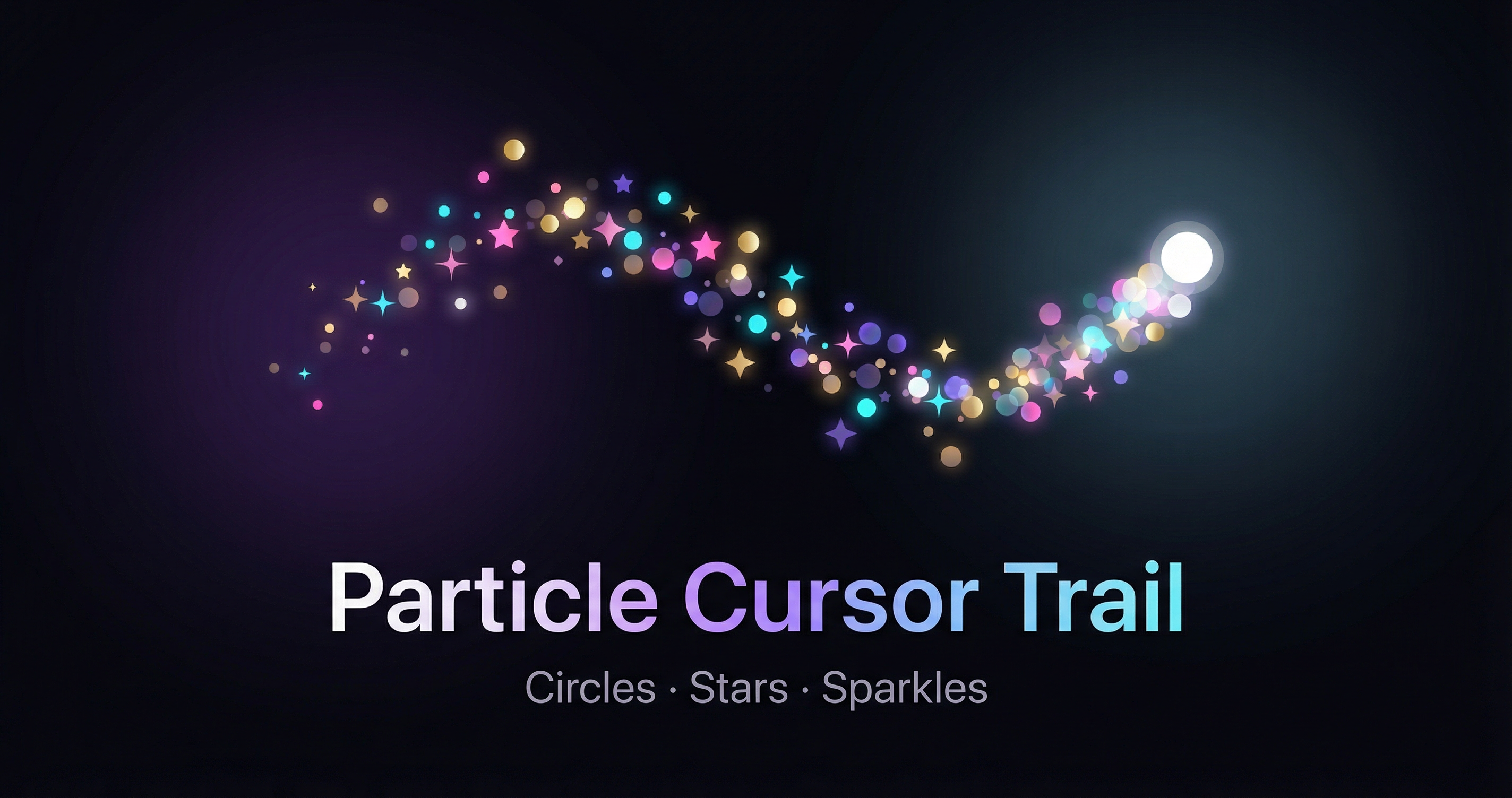
A custom cursor experience with a particle trail that follows the mouse. Each particle has a short lifespan: it fades out and shrinks over time, creating a smooth, magical trail. The effect uses multiple particle shapes (circles, stars, sparkles) and a rich color palette (gold, cyan, violet, coral, white, and more) so the trail feels varied and polished.
Overview
- Canvas-based rendering for smooth performance with hundreds of particles.
- Three shapes: filled circles (with soft glow), 5-point rotating stars, and 4-point sparkles with a central dot.
- Color variations: particles pick randomly from a palette so the trail is never monotone.
- Lifecycle: each particle is spawned at the cursor, gains a small random velocity, then ages. Opacity and scale decrease over life (ease-out style) until the particle is removed.
- Custom cursor: default cursor is hidden; a small dot (with optional pulse) marks the real cursor position.
Implementation sketch
Spawn particles on throttled mousemove, update them in a requestAnimationFrame loop, and draw by shape type:
// Throttled mousemove: spawn 2–4 particles per tick
zone.addEventListener("mousemove", (e) => {
  mouseX = e.clientX;
  mouseY = e.clientY;
  if (throttle()) for (let i = 0; i < SPAWN_RATE; i++) spawnParticle();
});

// Each particle: position, velocity, life 0→1, shape, color, size, rotation
function spawnParticle() {
  particles.push({
    x: mouseX + randomSpread(),
    y: mouseY + randomSpread(),
    vx, vy,  // slight drift
    life: 0,
    shape: randomOf(["circle", "star", "sparkle"]),
    color: randomOf(COLORS),
    size, rotation, rotSpeed,
  });
}

// In RAF: advance life, update position, draw by shape (circle = arc, star = path, sparkle = lines + circle)
CSS
Hide the default cursor and position the trail canvas above the page (with pointer-events: none). Use a full-page transparent layer with cursor: none to capture mouse so the trail works everywhere. Style the custom cursor dot (e.g. small circle with soft glow or pulse animation).
Tuning
- Spawn rate and throttle control trail density; higher values give a denser trail.
- Lifespan and size affect how long and how visible each particle is.
- Velocity and drag (e.g.
vx *= 0.98) give a slight drift and smooth decay. - Colors and shapes can be extended (e.g. hexagons, hearts) for more variety.
Use this pattern for hero sections, portfolios, or any page where a distinctive, playful cursor adds personality without getting in the way of content.